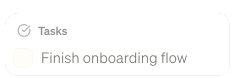
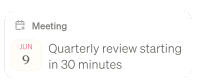
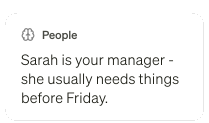
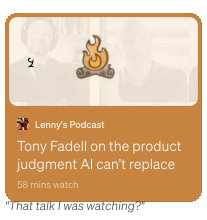
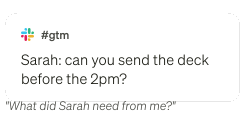
The AI assistant that thinks like you

Recall any detail from your screen or meetings. Partner with an AI that knows what you're working on.

Watch video

Make every day more productive

Littlebird keeps track of the details across every app, so you can focus on the big picture.


Stay focused on what matters

Littlebird connects the dots and surfaces insights across your work, so you can stop context switching and stay in flow.

Create without starting from scratch

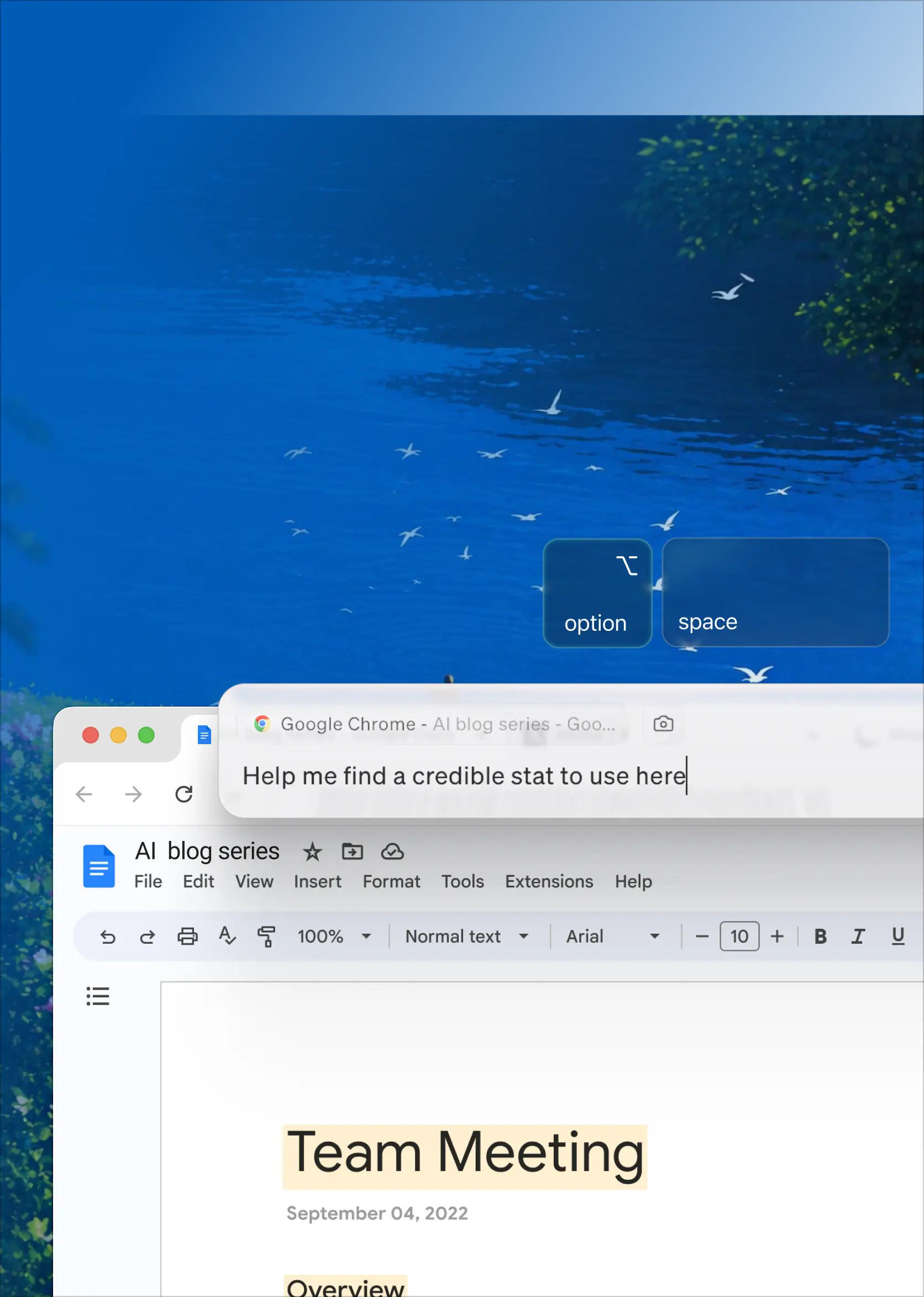
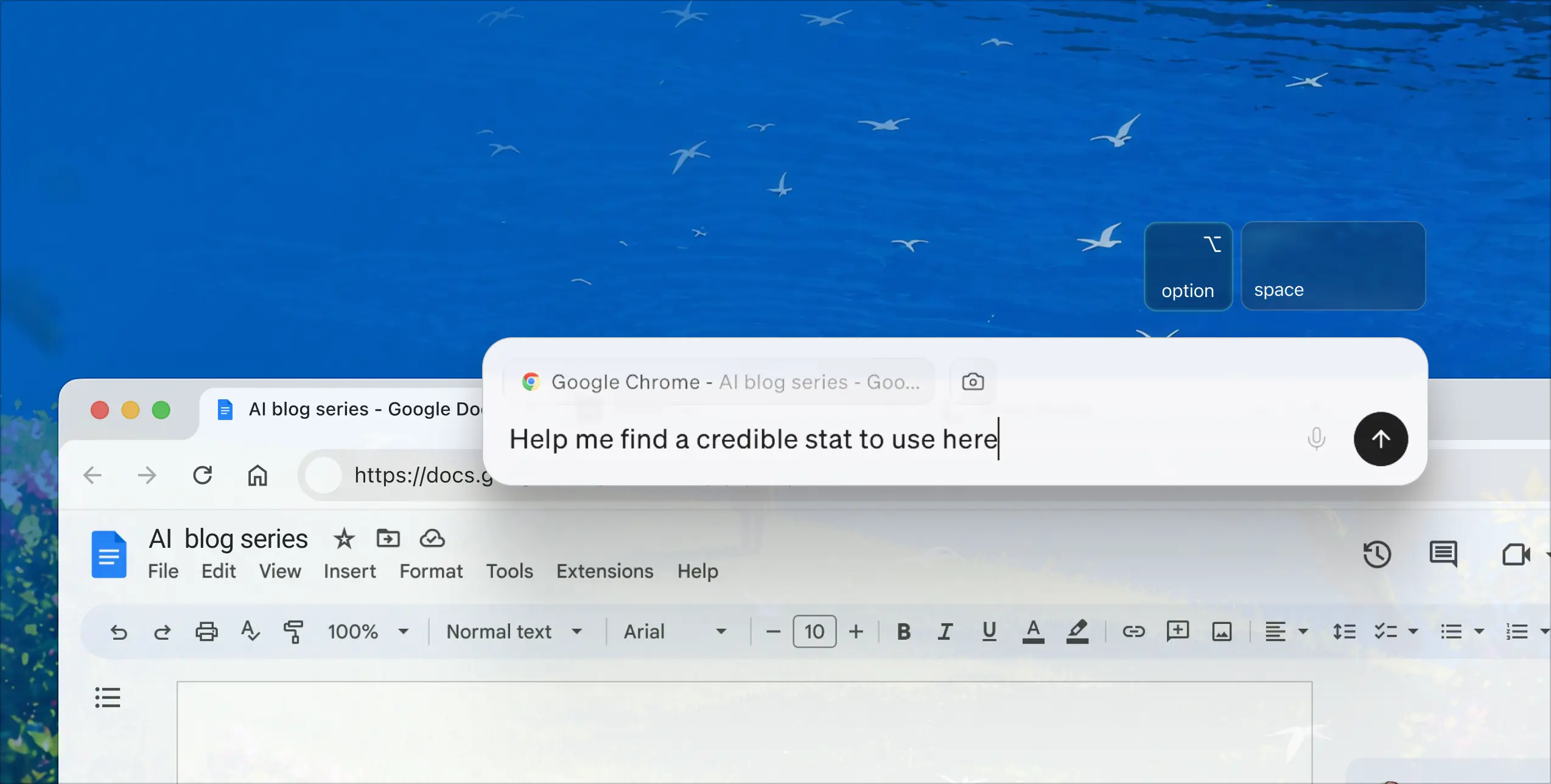
Go from blank page to first draft in seconds, using the context Littlebird already knows about your work.

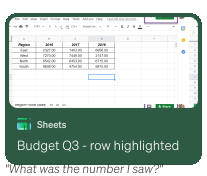
Recall everything you’ve seen

Littlebird builds a unified memory of your work, so you can find anything instantly without searching through apps.

How Littlebird works

Littlebird gets smarter over time, learning to anticipate your needs.

Starts working immediately

Littlebird runs quietly in the background across all your apps and meetings, without interrupting your flow.

Littlebird gets to know you

It builds a secure memory, learns from your habits, and connects the dots—so you never have to catch it up.

You get more done

Ask questions, summarize meetings, and create content with AI that already has the full picture.

Organize your life and cut busywork with Littlebird

Download for Mac
Get desktop app

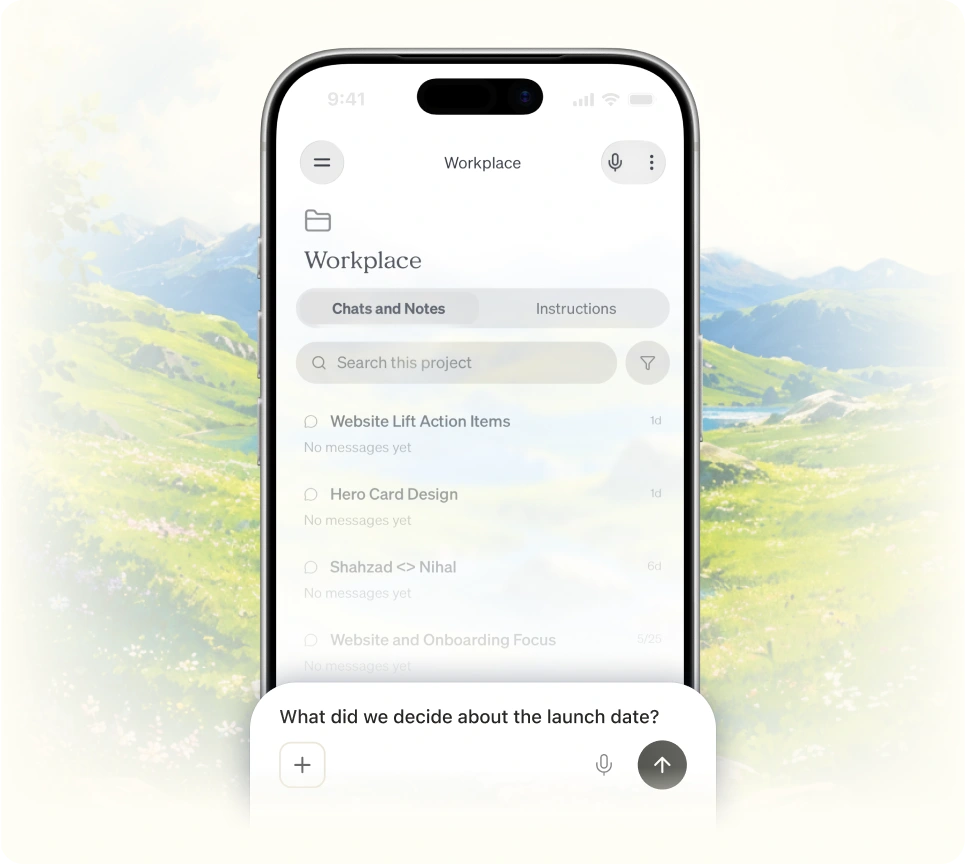
Chat with everything you’ve seen

Littlebird already knows your work, so you can ask questions and create content without catching it up.

Focus on the conversation

Littlebird transcribes and summarizes your meetings, so you can stay present without worrying about notes.

Proactive insights, on your schedule

Littlebird delivers personalized updates on your schedule, so you're always prepared without the manual work.

Organize your life and cut busywork

Download on MacOS

Your privacy. Our priority.

We’re committed to secure and transparent AI assistance.

Enterprise-grade encryption

Your data is encrypted using industry-leading security practices.

You’re in control

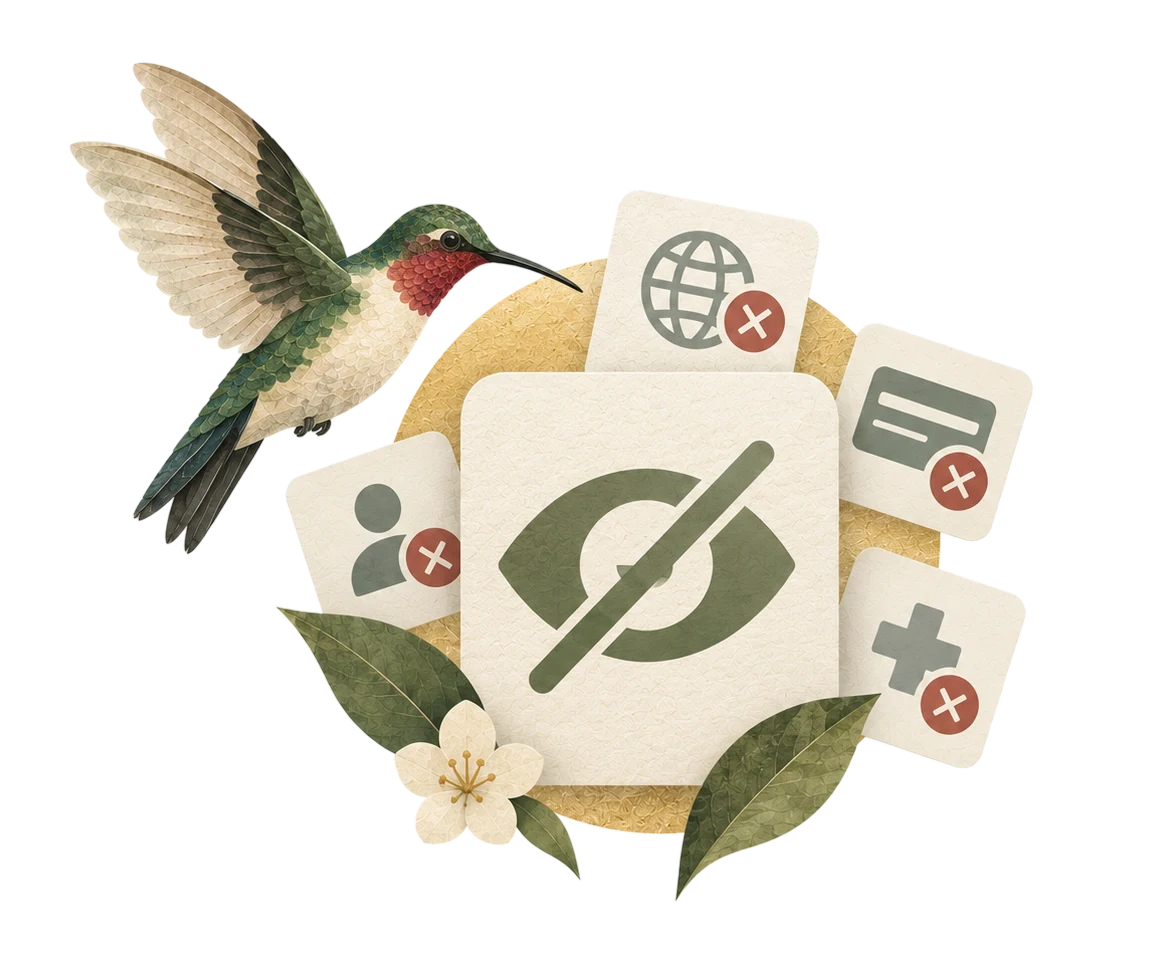
Easily pause context collection, delete data, or delete your account at any time.

Your data stays yours

We never sell your data or use it for training our models.

What our users say

By recalling past conversations and performance notes, I'm able to quickly build targeted training materials that've led to improved performance.
Luis Amezcua
Sales
Littlebird acts as my second brain, helping me recall, strategize, and plan out everything I work on throughout the day.
Ben Morton
Product
It’s my 'backup brain,' keeping me focused and organized. The journaling feature has become vital to my morning routine, giving me clarity to prioritize what truly matters.
Sarah Meaney
Marketing and operations
Littlebird allows me to switch between coding tasks without losing my flow. It surfaces content from Slack, code, and docs, making it effortless to pick up anywhere.
Amanda Nelson
Engineering
The instant context recall is a game-changer in meetings. During a quarterly review, Littlebird helped me pull a specific metric I couldn't remember, making me look like a genius.
Matt O'Donnell
Talent Strategy
Littlebird helps me cut through the daily chaos and find clarity. It helps me triage my work and focus on what truly matters.
John Girard
Entrepeneur

Frequently asked questions

Download for Mac
Get desktop app
How does Littlebird understand my work?

Littlebird learns by seeing what you see. It pays attention to the active window on your screen—like the document you're writing or the website you're browsing. During meetings, it hears what you're listening to so it can take notes for you.

It never sees minimized apps, private browser windows, or sensitive information like passwords. If you can't see it on your screen, Littlebird can't either. Instead of recording your screen, Littlebird reads the text and elements of your active applications. You're always in control and can pause context collection at any time or delete your data (all of it, or just recent data like the last hour or day).

Do I need to connect all my apps for Littlebird to work?

No, and that's what makes Littlebird so powerful. It works automatically by seeing what's on your screen, giving you a unified memory across all your apps without any setup. However, we're introducing optional integrations with your favorite apps. For example, you can integrate Littlebird with Google Calendar to help schedule meetings on your behalf.

Why should I use Littlebird instead of a general AI assistant or chatbot?

General AI assistants have no context about your work. You have to catch them up by copying and pasting information, which is slow and raises privacy concerns. Littlebird already understands the work behind your requests—your documents, conversations, and projects—so it gives you more relevant answers and stronger starting points. This makes Littlebird faster, more personal, and far more useful for day-to-day work.

Is my data secure with Littlebird?

Yes. We treat your data with the utmost care and protect it using best-in-class industry security practices. Your information is always encrypted when it's stored on our servers, and any connection between Littlebird and third-party services you authorize is also encrypted in transit.

We're SOC 2 certified, which means our security practices are regularly audited by an independent third party. We're also GDPR and CCPA compliant. You can also delete your data at any time (all of it, or just recent data like the last hour or day).

Where is my data stored?

To provide a reliable and high-quality service, Littlebird securely stores your data in the cloud, hosted on Amazon Web Services (AWS). While Littlebird runs on your computer and you control what it sees, the data it captures is encrypted and stored in the cloud.

Do I use my data to train AI models or sell it to third parties?

No. We don’t use your personal data to train our AI models, and we will never sell your data to advertisers or any other third parties. Our commitment is to our users, not to advertisers.

What platforms or devices is Littlebird available on?

Littlebird is currently available for Mac, with support for other platforms coming soon. We also have a companion app available for download on both iOS and Android, if you need to ask Littlebird questions when you’re away from your desk.

Ready to work smarter with Littlebird?

Download Littlebird for free and get started in minutes. No setup or integrations required.

Download for Mac
Get desktop app

Join the Littlebird for Windows waitlist.

Thank you! Your submission has been received!
Oops! Something went wrong while submitting the form.

Get the desktop app

Thank you! Your submission has been received!
Oops! Something went wrong while submitting the form.